Creating a clutter-free workspace is one of the most effective ways to boost productivity and maintain focus. When your workspace is organized and tidy, it reduces distractions and helps you feel more in control of your tasks. Whether you work from home or in an office, setting up a clean and efficient environment is essential for achieving your best work. Here are some practical tips to help you organize a clutter-free workspace.
Why a Clutter-Free Workspace Matters
A cluttered desk can lead to stress and decreased productivity. Visual distractions and piles of unorganized materials make it harder to find what you need, causing unnecessary delays and interrupting your workflow. On the other hand, a neat workspace promotes calmness and allows your brain to focus on the task at hand.
Step 1: Start with a Clean Slate
Before organizing, clear your workspace completely. Remove everything from your desk, drawers, and shelves. Wipe down surfaces and clean your computer screen and keyboard. Starting fresh helps you see exactly what you have and makes organizing easier.
Step 2: Sort and Declutter
Go through the items you’ve removed and sort them into categories:
– Keep: Items you use daily or frequently.
– Store: Items you need occasionally but not every day.
– Discard: Broken, expired, or unnecessary items.
– Donate or Recycle: Items in good condition that you no longer need.
Be honest about what you really need to keep at your workspace. Less clutter means more clarity.
Step 3: Choose Functional Storage Solutions
Invest in storage that fits your needs and space. Some popular options include:
– Desk organizers: Trays, drawers, or containers that separate pens, paper clips, and other small items.
– Shelving: Wall-mounted shelves or bookcases for books, binders, and files.
– Cable management tools: Clips, sleeves, or boxes to keep cords neat and out of sight.
– Filing systems: Use folders, binders, or digital document management to keep papers organized.
Make sure storage is easy to access and makes sense for your workflow.
Step 4: Keep Only Essentials on Your Desk
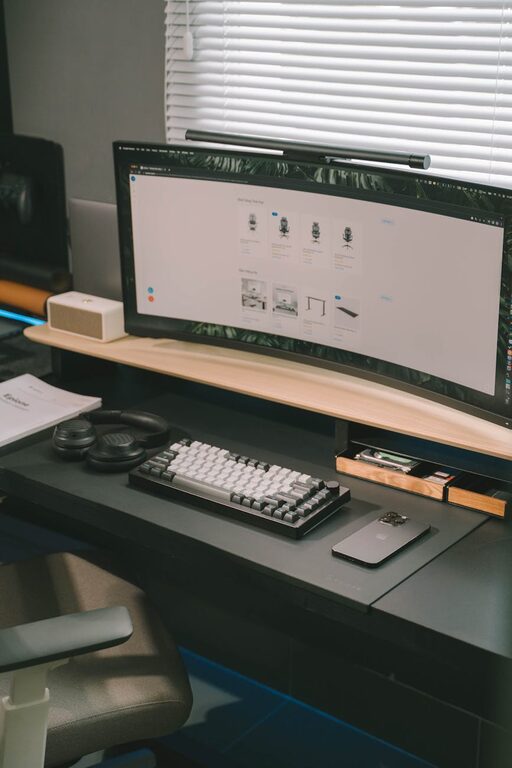
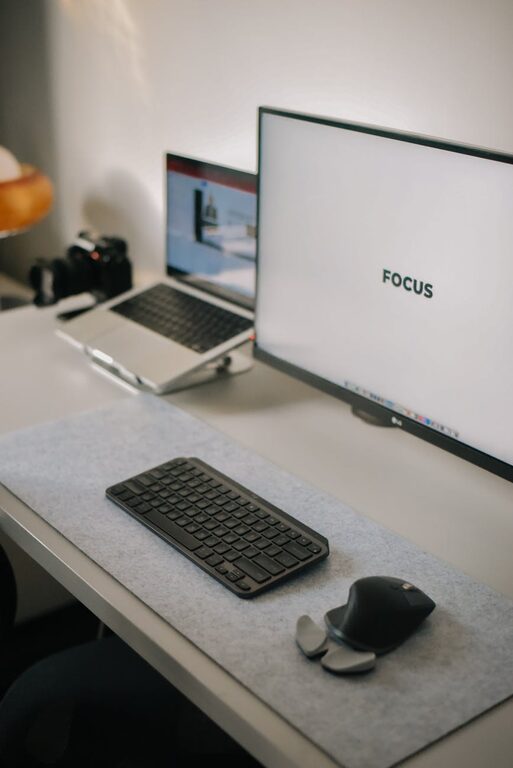
Your desktop should only hold items you use regularly, such as your computer, phone, notepad, and a few personal touches. Remove everything else to drawers or shelves. This minimalism reduces distractions and frees up space.
Step 5: Create a Daily Reset Routine
At the end of each day, spend a few minutes tidying your workspace:
– Put away loose papers.
– Return supplies to their designated spots.
– Wipe down surfaces if needed.
This daily habit prevents clutter buildup and prepares you for the next productive day.
Step 6: Use Digital Tools to Reduce Paper Clutter
Switching to digital note-taking, calendars, and document storage helps reduce paper piles. Use apps or cloud storage services to keep important files organized and easily accessible.
Step 7: Personalize Thoughtfully
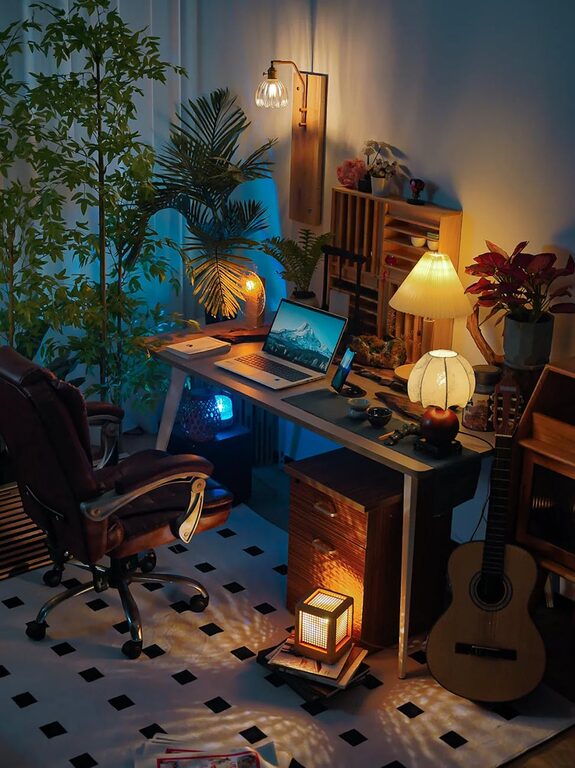
While keeping things simple, adding a few personal items can increase comfort and happiness. A plant, a photo, or a small decoration can create a welcoming atmosphere without adding clutter.
Step 8: Organize Cables and Electronics
Tangled cords can create visual chaos. Use cable ties, clips, or sleeves to bundle cords together neatly. Position power strips under the desk or out of direct sight to keep the area clean.
Step 9: Optimize Lighting and Ergonomics
A well-lit workspace with proper ergonomics supports productivity. Use natural light when possible and invest in a good desk lamp. Arrange your monitor, keyboard, and chair so that you maintain good posture, reducing physical strain.
Step 10: Review and Adjust Regularly
Periodically reassess your workspace organization. Adjust storage systems, declutter old items, and make improvements to keep the space optimized as your needs change.
—
By following these tips, you can create a clutter-free workspace that not only improves focus and productivity but also makes your workday more enjoyable. A clean, organized environment supports your well-being and helps you stay on track with your goals. Start today and experience the difference a tidy workspace can make!
About the Author